The Xbox refund policy is a pretty much welcome system; it’s in place to protect customers who eventually buy digital games, subscriptions, or content that doesn’t really live up to users’ expectations. From accidental game purchases to the dreaded “accidental” button press of a subscription service, or perhaps even if a game’s quality was less than promised before release, Microsoft has you covered in an organized format to get your money back.
It’s still frustrating and confusing for many Xbox users, though the process of getting a refund on digital purchases is subject to eligibility rules, deadlines, and exceptions. This complete guide will explain everything you need to know about the Xbox refund policy so that you don’t make any mistakes and can speed up getting your refunds approved.
Read Also: AICTE Refund Policy 2025: Rules, Process, and Deadlines Explained
What Is the Xbox Refund Policy?
The Xbox refund policy is Microsoft’s official set of rules regarding returns and refunds on digital content purchased from the company. It includes games, apps, movies, subscriptions, and sometimes add-ons. The goal is to be fair to customers while also avoiding refund abuse, Microsoft said. As such, all refund requests are considered on an individual basis. Although the Microsoft Store is doing to best to cater to genuine requests, it has established tough protocols since any form of misuse can be a dangerous situation.
In layman’s terms, when you make a mistake when buying something from the Xbox Store, suffer from severe technical issues, or run into misleading product descriptions, you can ask for a refund using the Xbox refund policy. But whether your request is approved can depend on timing, what you’re using it for, and what type of content you bought.
How to Refund Xbox Games
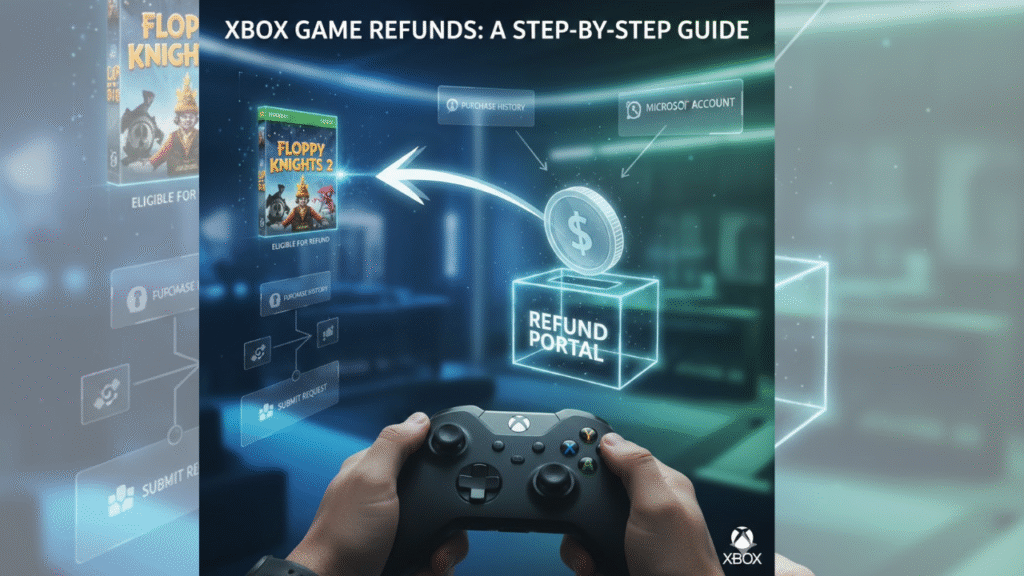
Digital refund system from Xbox for users who can request a return on qualifying game purchases purchased from the Microsoft Store. And in general, Xbox refunds are available for digital games and add-on content like DLCS that you just couldn’t get into, as long as it has been within a certain time frame (usually no more than 14 days) and you’ve logged less than an hour or two.
Refund eligibility is determined by Microsoft’s refund policy; not every request will be honored. For physical game copies, you’ll need to return the copy to its retailer and not Xbox. If your purchase is eligible, you can request a refund from Microsoft through your Microsoft account.
Steps to Refund Xbox Games
- Sign in with your Microsoft account
Visit your Microsoft account and sign in with the account associated with the Xbox purchase.
- Open Order History
Go to Payment & Billing and choose Order History to review your most recent purchases.
- Select the Game
Locate the Xbox game you want to refund, then select it to see order details.
- Request a Refund
Tap Request a Refund (if applicable), then select the reason for the refund.
- Submit the Request
Fill out the form, send it off, and we’ll review your request for a refund.
- Wait for Approval
You will be contacted by Microsoft to review your request. Refunds that have been approved are typically returned after 3-5 working days.
Important Notes
- Any in-game consumables are generally non-returnable once they have been used.
- Refunds apply primarily to digital buys.
- Repeat requests for refunds could jeopardize future eligibility.
- Your refund will be credited to the original payment method.
Why Gamers Should Care About the Xbox Refund Policy
Digital purchases are instant, but they’re also permanent. That’s where an Xbox refund policy comes in handy. And with no physical disc or even a receipt for proof of purchase, players are completely beholden to the whims of the Microsoft system for any corrections. This is especially helpful for:
- Mistaken purchases made by children
- Purchasing the incorrect version of a game
- Technical issues like constant crashes
- Misleading store descriptions
- Games that don’t work as intended
Since digital refunds tend to be inconsistent from one platform to the next, it’s helpful to know the Xbox refund policy so you don’t get caught with your pants around your ankles. It avoids misunderstanding and increases the probability of you getting a refund smoothly.
Eligibility under the Xbox Refund Policy
There are a few rules that the Xbox refund policy subscribes to in deciding if your purchase is eligible to be refunded. Microsoft could allow refunds beyond this, but sticking by them usually increases the likelihood.
You Have 14 Days to Claim Your Refund
There’s one golden rule when it comes to the Xbox refund policy: timing. You usually have to ask for your refund within 14 days of purchase. Any requests after this time are rarely ever granted unless there are severe technical issues or without permission transactions.
Refunds Are for Digital Game Purchases, Primarily
While you can use Xbox’s refund policy for all sorts of digital items, it is most often used for game refunds. Different rules apply to movies, TV shows, and apps, and some products are not refundable unless required by law.
Looks like You Have Not Played the Game Much
Another major issue with the Xbox refund policy is usage. Microsoft usually takes the number of hours you have played into account before approving a refund. And if you’ve played for several hours or finished large sections, the response may be a ‘no.’ Limited or zero gameplay tends to improve your odds of approval.
Read Also: American Eagle Return Policy: No Time Limits, Easy Refunds, and Full Customer Guide
You Have to Buy From the Microsoft Store
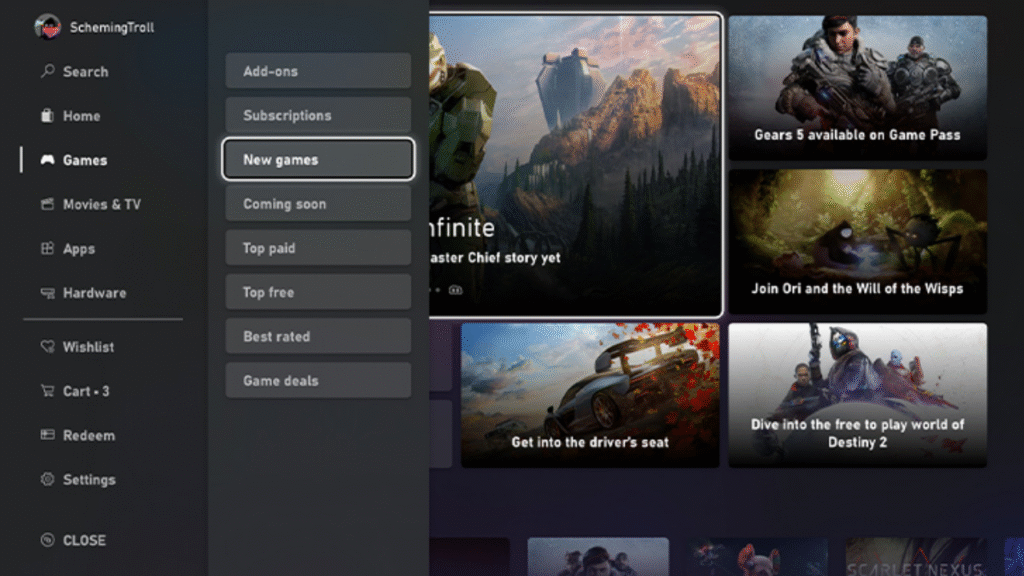
Refund policy: Xbox refunds are provided subject to the following conditions: Purchases and content. This page describes how to request a refund.
- Xbox console store
- Microsoft Store website
- Microsoft Store app
If you purchased the digital code from a back-end retailer (such as Amazon or GameStop), then you will have to return there for the refund process instead.
Pre-Orders Can Be Refunded Easily
And one of the most consumer-friendly parts of the Xbox refund policy is pre-orders. You can get a refund anytime before the game is officially released. Once it has been released, the usual 14-day window and rules for gameplay apply.
Xbox Refund Policy and what it covers
The Xbox refund policy varies depending on what kind of digital content you want to return.
Digital Games
The Xbox refund policy is most forgiving when it comes to digital game refunds. These are reviewed on a case-by-case basis and typically hinge on gameplay time and the 14-day window.
Game Add-Ons and DLCs
Refunds for DLCs, season passes and expansions are more limited. That said, Microsoft can still issue refunds in the following cases:
- The DLC was purchased accidentally
- The content is unacceptable or broken
- The purchase was unauthorized
Movies and TV Shows
The Xbox refund policy won’t often provide refunds for movies or TV shows once content has been streamed. You may only qualify if:
1. You purchased the wrong version
The media could not be loaded, either because the server or network failed or because the format is not supported.
The buy was a blind and inadvertent one.
2. Subscriptions
Xbox refund policy applies to Xbox Game Pass and Xbox Live Gold subscriptions too. Refunds depend on:
- Whether you took advantage of the benefits included with your subscription
- How recently did you buy or renew pledged subscriptions?
- Whether the subscription auto-renewed unexpectedly
In-Game Purchases
Game currency or in-game items are not included by the Xbox refund policy, unless:
- Fraud or unauthorized purchases
- Content not delivered properly
- Accidental purchases by children
Read Also: IRCTC Refund Policy: Comprehensive Guide for 2025
How to Get a Refund with the Xbox Refund Policy
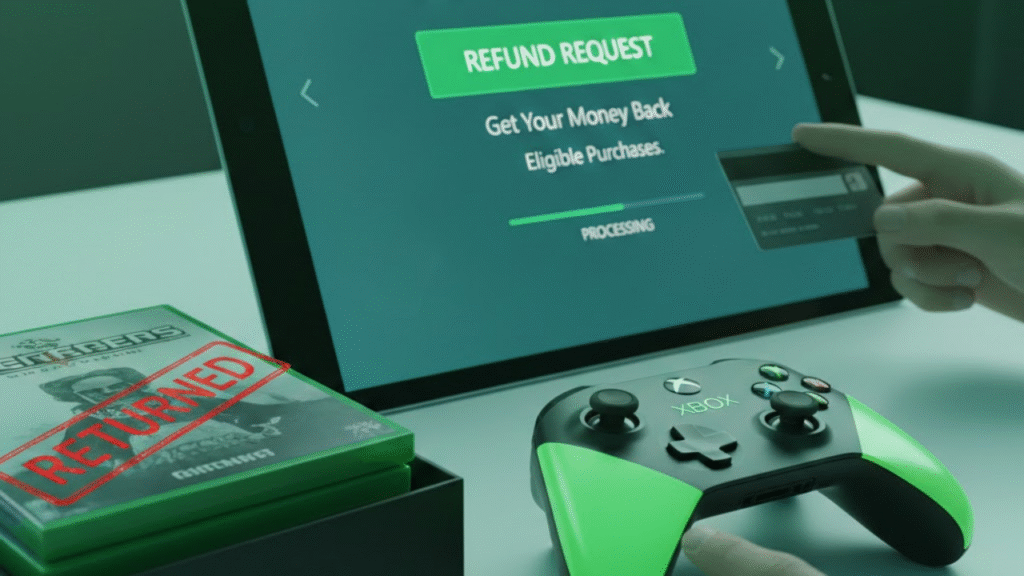
As long as you know what to do, eBay makes it easy for you to request a refund. There is a specific question on the Microsoft account portal.
Step 1: Log in to Your Microsoft Account
Go to the Microsoft account purchase history page. This is where all your digital purchases live.
Step 2: Find the Product You’d Like to Get a Refund For
The refund option only appears for items that fall within the Xbox refund policy. If you don’t see the link, the item may not meet Microsoft’s criteria.
Step 3: Press ”Request a Refund”
We will also ask the reason why you are requesting a return. A: Pick the best answer because approval matters.
Step 4: Submit Your Request
Microsoft reviews your request after you submit the form. As the Xbox return policy is per case, approval time can differ.
Wait for the Confirmation Email to Come Through
If you are approved, then your refund will be processed to the original payment method. If denied, you can appeal or add context if you’d like.
Read Also: Adidas Refund Policy: Full 2025 guide to returns, refunds and exchanges around the world
How to boost your chances of approval under the Xbox refund policy
The Xbox refund policy is intended to be fair but restrictive. Below are tested ways to increase your odds of getting a refund:
Ask for the Refund ASAP
Don’t wait days or weeks. Viewing under the Xbox return policy, fast action would indicate its legitimacy.
- Don’t Play the Game for Hours on End
Lots of playing time implies you had a good time, which is no bueno for your petition.
- Explain Technical Issues Clearly
If the game is loot, please also report details.
- Exercise Parental Controls to Avoid Future Errors
The Xbox refund policy permits refunds for unintentional child purchases, but prevention keeps everyone from having to ask even once.
- Be Honest and Accurate
“At Microsoft, we take fairness and safety seriously. Honesty helps your case.
What Does Refund Denied Mean under the Xbox Refund Policy?
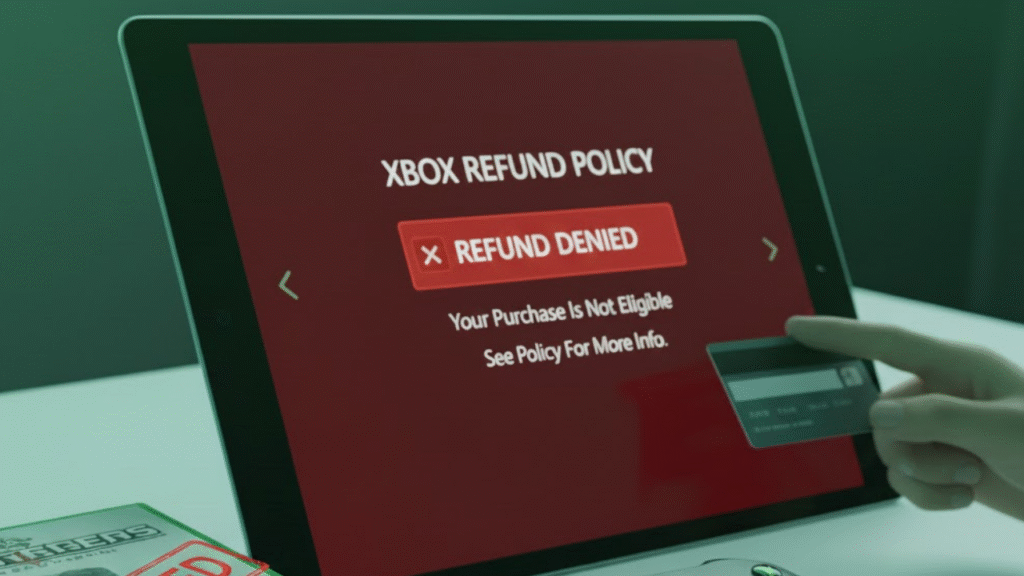
Not every request is approved. The Xbox refund policy lays out when refunds are hard or impossible.
- Extensive Gameplay
If you have played for several hours, Microsoft considers this intentional usage.
- Repeated Refund Requests
Repeated refund requests are marked as abuse of the Xbox refund policy.
- Expired Time Window
Requests sent after this 14-day time frame are usually not granted.
- Non-Refundable Content
Some digital products just aren’t eligible unless they’re faulty.
- Third-Party Purchases
Items purchased outside the Microsoft Store have always been beyond the scope of the Xbox refunds policy.
Read Also: Expedia Refund Policy: How to Cancel Flights, Hotels & Packages for a Full Refund
How the Xbox Refund Policy Stacks Up Against Other Platforms
Comparing the Xbox refund policy with other gaming platforms can provide some insight.
Steam’s Refund Policy
Steam has a 14-day, less than 2-hour playtime refund policy. It’s also somewhat less flexible, but way more defined than the Xbox refund policy.
PlayStation Refund Policy
Sony has stricter rules. You generally can’t get a refund on a game after you’ve begun downloading it. It is much worse than the Xbox refund policy.
Nintendo eShop Refund Policy
Nintendo rarely gives refunds. The refund policy of Xbox is better for such people.
Taken altogether, Microsoft’s is one of the more flexible systems among console makers.
Conclusion on the Xbox Refund Policy
The Xbox refund policy is a must-read for every gamer who wants a bit of insurance against making either an accidental or regrettable purchase. Microsoft has created a system that is not in any way heavy-handed, but still provides structure and balance to rights and usage for the consumer. By being aware of the rules, 14-day window, limited gameplay, and eligibility requirements included you drastically improve your odds of getting money back when you need to. The Xbox refund policy provides a safety net for gamers to make sure they end up with the gaming experience they wanted, whether you mistakenly made a purchase, encountered debilitating bugs, or bought the wrong title. Microsoft has your back and wants you to receive value for your investments in digital software.
Read Also: Amazon Refund Policy: How Refunds, Returns & Replacements Work
FAQ: Xbox Refund Policy
What is the Xbox refund policy?
The Xbox refund policy is Microsoft’s policy that determines when you are eligible to receive a refund for digital copies of games (including cloud DVRs and movies, apps and subscriptions purchased on the Microsoft Store.
How much time do I have to apply for a refund?
Under the Xbox refund policy, as a rule, you have 14 days from the date of purchase to get your money back on digital content.
Can I get a refund even if I played the game?
Yes, if you haven’t played much. Extended play decreases approval odds because you aren’t obviously dissatisfied with your purchase.
How do I get a refund on Xbox?
Visit your Microsoft account > Order history, select the item, then select Request a refund and complete the form. Microsoft will review it case-by-case.
Can I cancel an Xbox pre-order and get a refund?
Yes. Pre-orders are also refundable until a title is released. Once the game is released, the normal 14-day refund period will be in effect.
Can Xbox Game Pass and Xbox Live subscriptions be refunded?
They can be refunded if the benefits have been used and, if so, when the subscription was purchased or renewed.
Are in-game purchases refundable?
The contents of in-game purchases are nonrefundable; however, unauthorized or technical issues may result in a refund.
Why was I refused an Xbox refund request?
Refunds are disallowed for playtime, multiple refund requests, or past-deadline refunds and non-refundable content types.
How soon can I expect to receive a refund?
Most refunds are processed in 3–5 days after we receive and process your return.
If I buy this for 3 months for whatever game, can I refund it multiple times?
Yes, but repeated refund claims will flag your account for abuse and, therefore, suspension, meaning that all future approval is almost sure to be denied.